On this page
Visual testing without pixel baselines
xtest has no screenshot diff engine. There are no baseline images to approve, no diff threshold to tune and no mask for the parts of a page that always change. Instead the test agent looks at the screen as it runs the test and says what is wrong with it, and the screenshots it takes are kept with the run for 30 days, so you can see the UI as it was.
Asking for a look
Write the visual expectation into the test itself: "check the price and the Add to basket button are both visible without scrolling", "check nothing overlaps the header on a phone". The test agent reads the page, decides whether that holds, and reports a problem when it does not. Wording that a person could judge from a screenshot is the kind that works; "looks right" is not.
What comes back with a problem
Severity
Critical, major or minor, chosen by the AI when it reports the problem.
Expected and actual
What it was looking for, and what the screen showed instead.
Screenshot
The screen at the moment it noticed.
Address and device
The page it was on, and whether that was the Cloud browser, Chrome, an iPhone simulator or an Android emulator.
What it had done
Up to fifteen actions leading up to it, in order.
Console and network
Browser console errors and failed requests, redacted, up to twenty of each.
Copy as bug report puts all of that on the clipboard in one go.
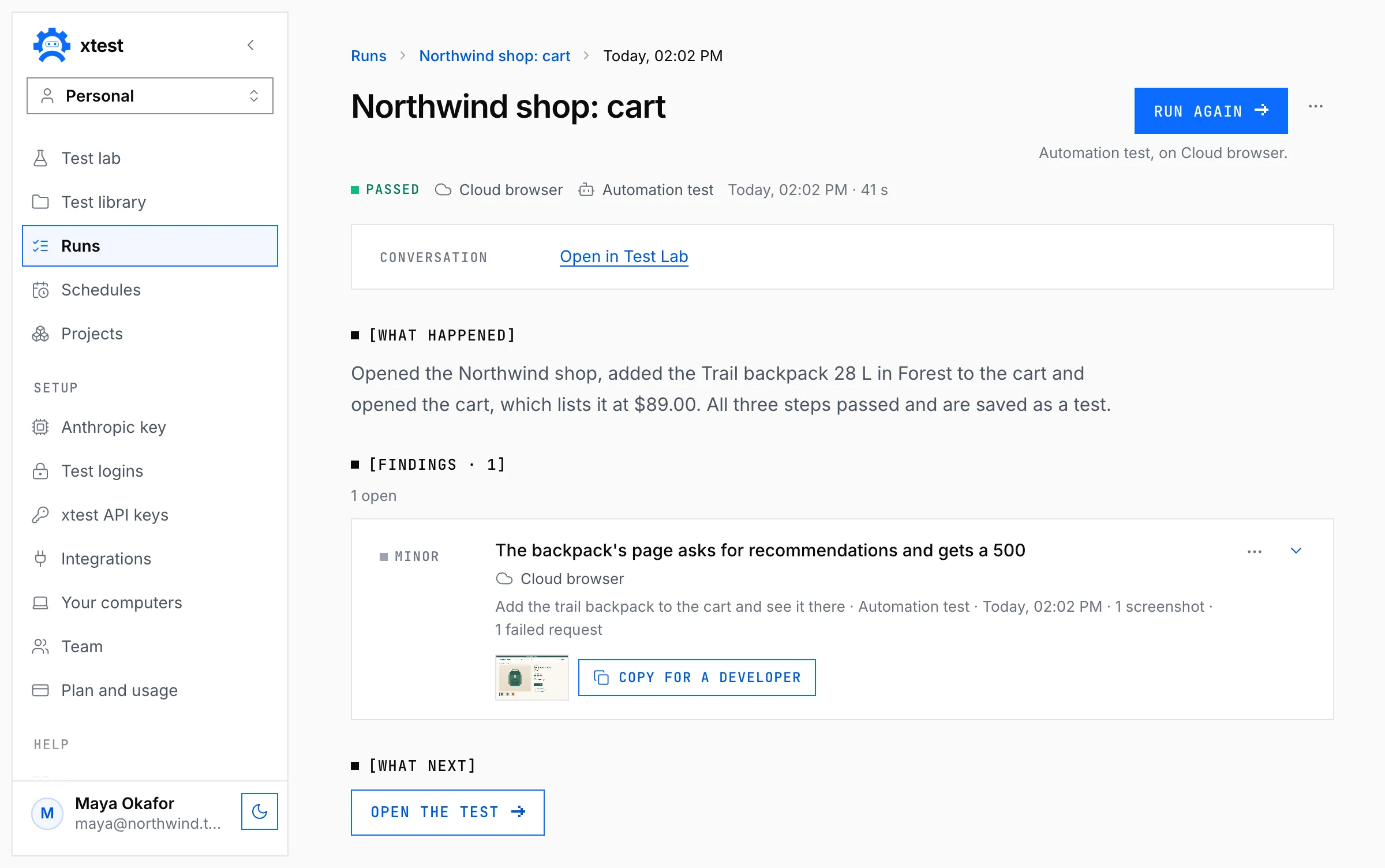
Under the summary, Step by step lists every action and check with the screenshots kept along the way for 30 days, so a layout that broke three actions ago is still there to look at afterwards.
The same test on a small screen
Most visual regressions are layout at a width nobody checked. Run the same test again on an iPhone simulator on a Mac or an Android emulator on a Mac or an x64 PC, through the xtest app, and the test agent works on the real rendering rather than a resized desktop window. Saved steps are kept per platform, so a phone run replays its own steps rather than the web ones.
If you need true pixel diffs
Keep the tool you have. Playwright's own toHaveScreenshot is not among the matchers xtest replays, so a pasted script using it is reported as an unsupported line rather than run and quietly passed.
[Academy courses]