On this page
There is nothing to install.
xtest is not a package, a CLI or an extension. Open the dashboard, pick the Cloud browser, and you are testing. What you need:
A modern browser
Chrome, Edge, Firefox or Safari, on any operating system. The Cloud browser your tests run in lives on our servers and streams into your tab.
An account
Plans start at $25 a month. Checkout goes through Stripe, so your card details never touch an xtest server.
An Anthropic key on the $25 plan
Your own Anthropic key, added once under Setup, Anthropic key, and encrypted with AES-256-GCM. Professional, Business and White label include Claude Sonnet 5, so this step disappears.
Optional: the xtest app, for your own devices
Install the app on a Mac or a PC and the AI can also drive that computer’s own browser window: its own Chrome for Testing, separate from yours; your Chrome or Edge stands in until it is downloaded. It is separate from your everyday browser, so a site you sign in to there stays signed in for later runs. On a Mac the app adds your iPhone simulators and, on macOS 12 or later, your Android emulators too. On an x64 PC it adds its Android emulators from xtest app 0.5.33. AI control on Windows needs xtest app 0.5 or later. Update an older one; an Android phone plugged in by USB once the app finds Android's platform-tools (the ones its Android setup brings, or your own in Android Studio's SDK folder) is listed rather than driven, and an iPhone on a cable is not listed at all: iPhone testing here means the simulators on a Mac. Nothing starts until you turn on Allow test agents (Allow AI control before xtest app 0.5.20) in the app itself.
Setting up a different computer, or want the install steps? Open the xtest app page. On a PC, Windows may warn: click More info, then Run anyway.
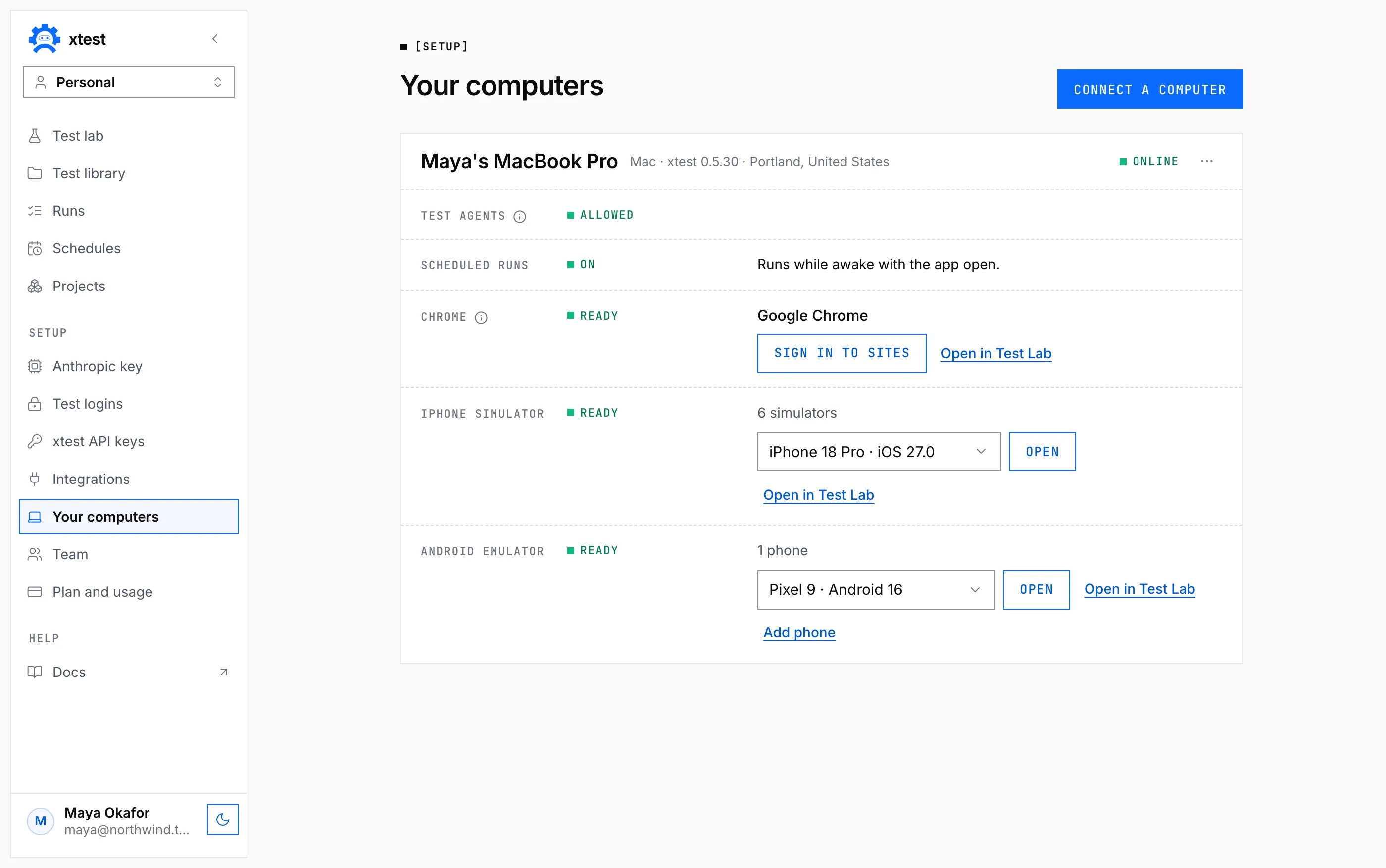
A Mac running the xtest app with test agents allowed: Chrome, 6 iPhone simulators and one Android emulator ready to use.