On this page
Functional testing with an AI test agent
Functional testing asks whether a feature does what it is meant to: the sign-up form, the search box, the checkout. In xtest you describe the feature in plain English, a test agent works through it in a real browser or on a phone simulator, and the checks it made are saved with the run.
What a functional test looks like here
A test case carries a title, a scenario in plain English, what you expect to happen, a priority and a category. Give it one job and an ending somebody could argue about:
Search for “laptop”, open the first result, and check the product page shows the same name and a price.
The checks it can record
Eight kinds, each stored with the step that produced it, so a pass is evidence rather than an opinion:
text_visible
a phrase is on the page
text_absent
a phrase is gone
url_contains
the address moved where it should
title_contains
the page title is right
element_visible
an element is showing
element_hidden
an element is not
element_value
a field holds a value
element_checked
a box or radio is ticked
Tests that need a login
Most functional tests start signed in. Save the login once under Test logins and the AI signs in for itself, including a one-time code when you save a two-factor key. The password is encrypted with AES-256-GCM, typed straight into the page, and never sent back to your browser or written into a transcript.
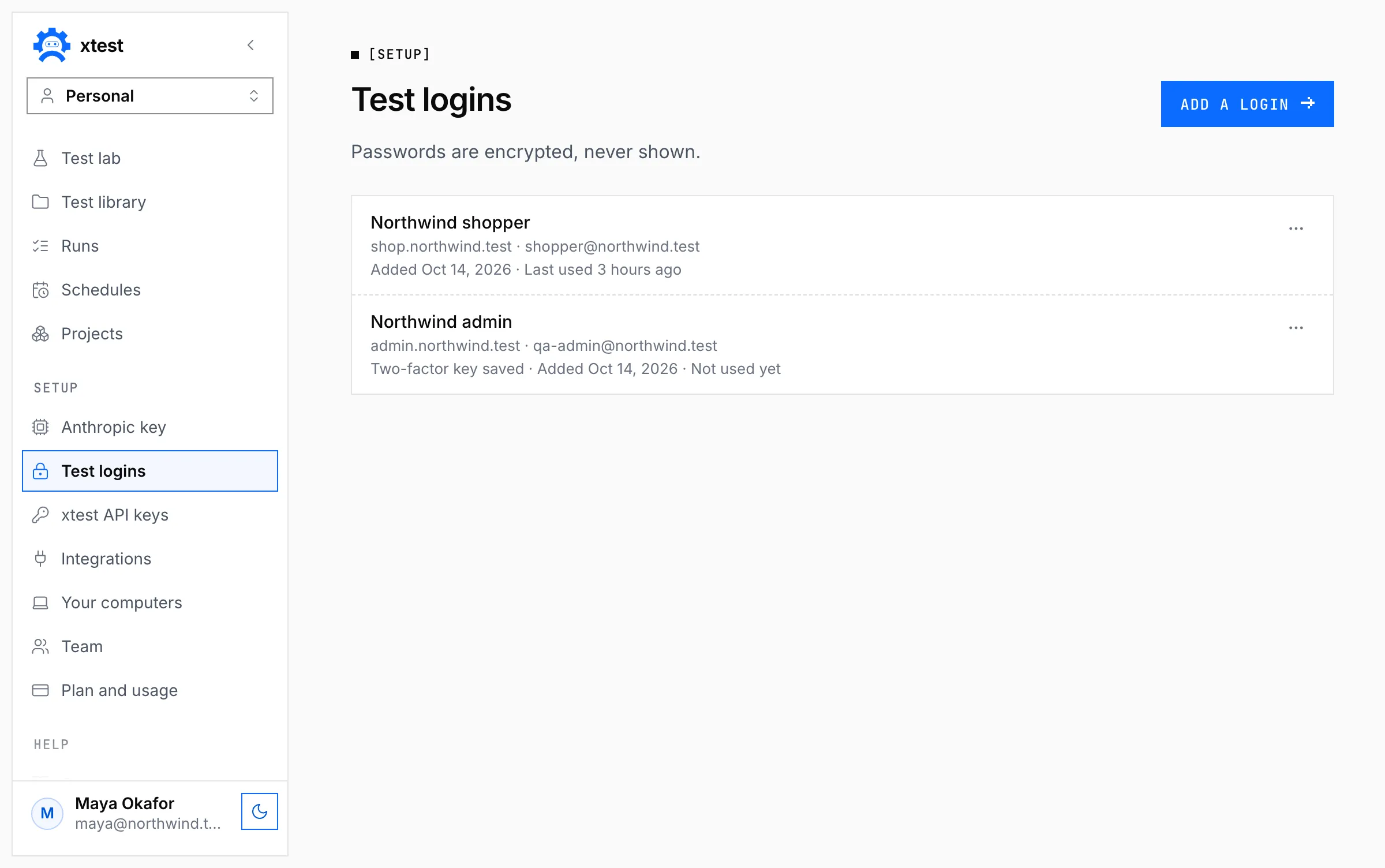
Saved logins the test agents sign in with. A two-factor key saved with a login lets the test agent type the one-time code itself.
Running the whole suite
Run with a test agent works through the cases in order. The first run explores and saves the steps for each case; later runs replay those steps at no AI cost, and the AI takes over only where a step needs it, such as a step that broke. A suite imported from Excel or CSV runs the same way.
What it does not do
xtest works through the interface a customer uses. It does not run unit tests, mock a service, or reach into your database to arrange data.